
NEIRA Website
NewEnglandInnsandResorts.com
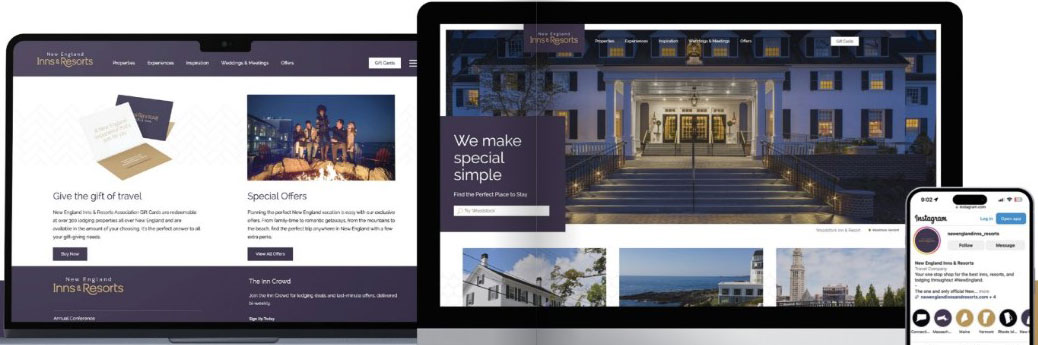
Every member gets a listing page with a detailed description, image gallery, activity and amenity information, a high-quality hero photo, and direct links to your reservation system and website. We’re confident that your NEIRA membership will pay for itself in increased exposure, customer awareness, and increased bookings. That confidence is backed by 24/7 access to the web statistic dashboard provided to each member, complete with detailed statistics for your listing on NewEnglandInnsandResorts.com. We strive to be in your top 10 referring sites.
How to Update Your Member Listing
Step One
- Login with your username and password at https://www.newenglandinnsandresorts.com/login
Step Two
- Use the tabs in the side menu to update content, photos, offers, or add a video. Hero images, gallery images, and video are managed under the Media tab. Your booking URL can be updated under the Contact Information tab.
Step Three
- IMPORTANT - Once you have made your changes, scroll to the bottom and click SAVE.
Login to NewEnglandInnsandResorts.com Now
Accessing Your Member Report
Step One
- Log in at https://www.newenglandinnsandresorts.com/user/login using your member administrator credentials.
Step Two
- Go to the bottom navigation and select Member Reports, or visit https://www.newenglandinnsandresorts.com/user/reports to access the dashboard.
Step Three
- From the property dropdown, select your property name and choose a custom date range. Your personalized stat report and overall site metrics will display for the selected range.
Instructions for Adding a Video
Instructions for Adding an Offer/Package
Website Success Tips
Need Login Help?
Contact Nedra Harvey, Membership Director, at Nedra@neia.com or call 603-964-6689.